





Powering every AI choice: the right agent computer for cloud, local, or hybrid AI
The right agent computer for cloud, local, or hybrid AI.
From laptops and custom desktop PCs to professional workstations, Nebula builds a machine for every level of AI work. Whether you run a personal AI assistant, creative tools, a development environment or AI agents for a whole business, there is a setup with the right performance, room to grow and control over your data.

-
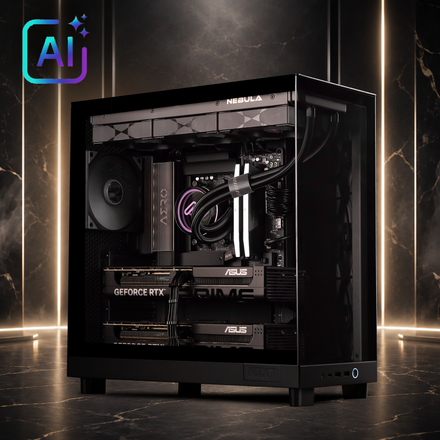
Workstation
Professional GPU / multi-GPU configurations
Deskside AI supercomputer
Department-scale AI
-
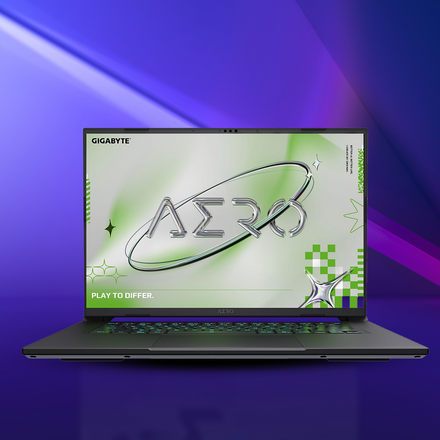
Flagship laptop
AI development on the go
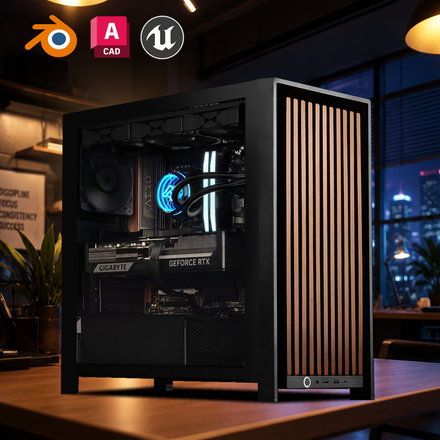
Compact AI desktop
Local AI development
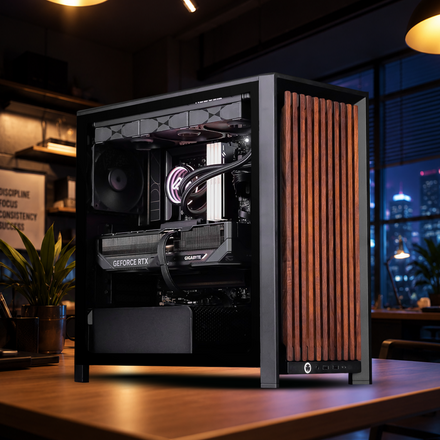
High-end custom PC build
High-VRAM GPU configurations
-
Laptop · NUC / mini PC · Custom PC build
Integrated graphics or a single discrete GPU
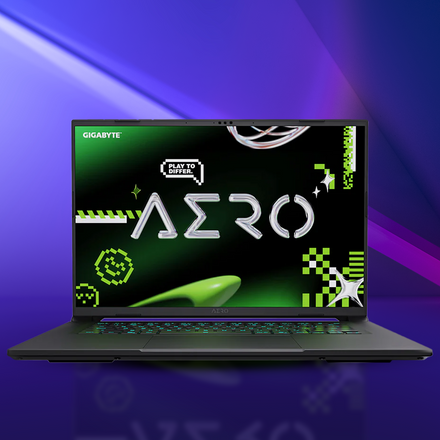
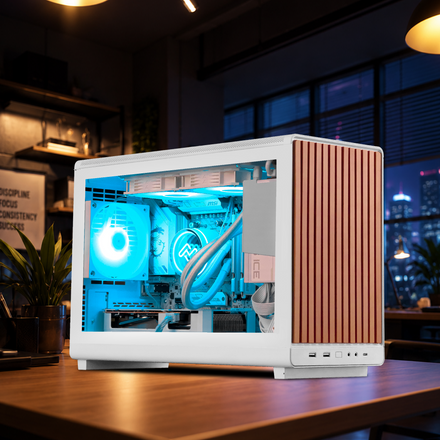
Personal / SOHO / Education / SMB / Enterprise
AI computing solutions for diverse needs across personal, education and business environments.
Flexible data control
Run AI locally, in the cloud or both, on laptops, custom PCs and workstations, and keep sensitive data on hardware you control.
Lower running costs
Run smaller models on your own graphics card instead of paying per cloud API request. For agents that run all day, a local machine can cost less over time.
Built for always-on work
Hardware sized for agents and automated workflows that run around the clock, with cooling and power chosen for long, steady loads.
Agentic AI scenarios with local AI
From a personal assistant on one PC to AI services for a whole team: pick the local scenario that matches your goal, and see how an ASUS agent computer from Nebula fits in.
-

AI on your own terms
Run local AI on a custom PC built around your needs. Choose components to match your workflows and budget, from everyday AI assistance to content creation and coding, with the flexibility to upgrade as your needs evolve.
-
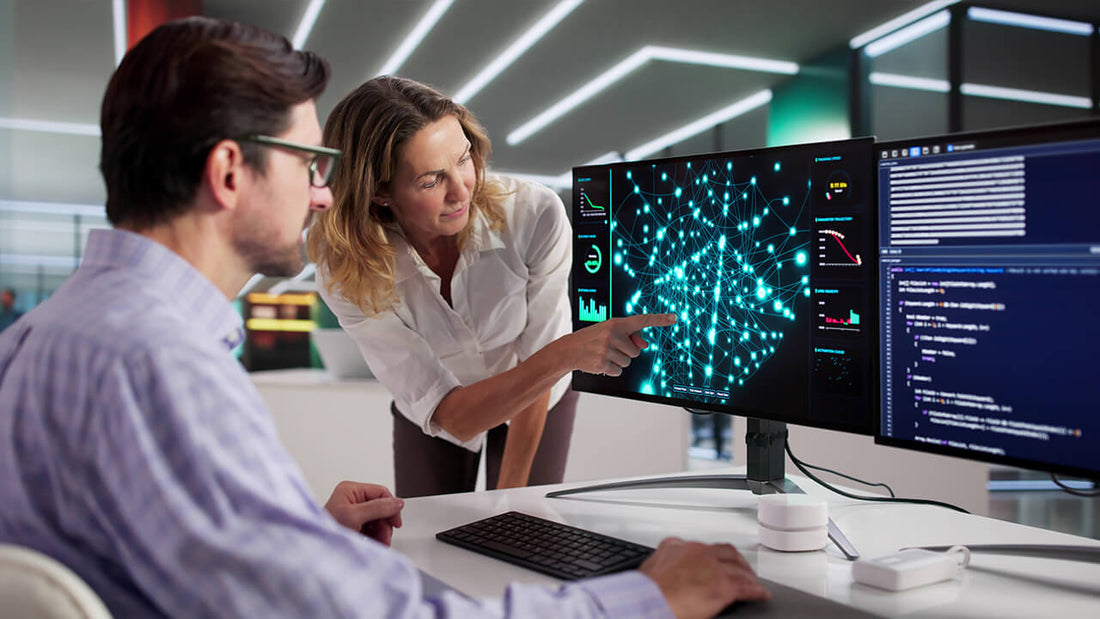
Custom AI for your team
Build a custom PC tailored to your team’s AI projects, from shared knowledge assistants to workflow automation. Configure graphics, memory and storage to suit your models and workloads, with local processing that helps keep sensitive data in-house.

AI and agents it can run
An agent computer runs the same open AI software that powers many cloud services, on hardware you own. Here is what people run on them, and what each kind of work needs. Most of these tools are free and open source, and the models download in a few clicks.
-
AI chat assistants
Ask questions, draft emails and reports, summarise long documents and brainstorm with open AI models that run on your own PC. Once a model is downloaded it works offline, and nothing you type leaves the machine.
- What it needs
- 8GB of graphics memory for smaller models, 16GB or more for stronger ones
- Tools and models
- LM Studio
- Ollama
- Open WebUI
- Jan
- Llama
- Qwen
- Gemma
- Mistral
- DeepSeek
- gpt-oss
-
Coding agents
Agents that read your project, explain code, write and edit files and run commands and tests from inside your code editor. Point them at a local model for private code, or at a cloud model for the hardest tasks.
- What it needs
- 16GB of graphics memory or more for capable local coding models
- Tools and models
- Continue
- Cline
- Aider
- OpenHands
-
Workflow and automation agents
Agents that work through tasks on a schedule or when something happens: sort and reply to email, update spreadsheets and CRMs, transcribe and summarise meetings, and move data between the apps you already use.
- What it needs
- Any of our desktops; a workstation for agents that run around the clock
- Tools and models
- n8n
- Flowise
- Langflow
- Whisper
-
Your documents and knowledge base
Ask questions across your own PDFs, contracts, manuals and notes, with answers that point back to the source. The files stay on your PC instead of being uploaded to a cloud service.
- What it needs
- 12GB of graphics memory or more, with plenty of system memory and SSD space for large libraries
- Tools and models
- AnythingLLM
- Open WebUI
- PrivateGPT
-
Image and video generation
Create and edit images, product shots, concept art and short video clips on your own machine, with no per-image fees or upload limits.
- What it needs
- 12GB of graphics memory for images, 16 to 32GB for video models
- Tools and models
- ComfyUI
- SD WebUI Forge
- Fooocus
- FLUX
- Stable Diffusion
- Wan
-
AI development and fine-tuning
Build your own agents, test models and fine-tune smaller models on your own data before deploying them, without paying for cloud GPU time while you experiment.
- What it needs
- 16GB of graphics memory to start; 32GB or several graphics cards for larger models
- Tools and models
- PyTorch
- Hugging Face
- Unsloth
- LangChain
- LlamaIndex
- CrewAI
- AutoGen
Which models fit which machine
| Model size | Graphics memory (4-bit) | Example models | Nebula machine |
|---|---|---|---|
| Up to 8 billion parameters | 8GB | Llama 3.1 8B, Qwen3 8B, Gemma 3 4B | Gaming PCs and laptops |
| 12 to 14 billion | 12 to 16GB | Gemma 3 12B, Qwen3 14B, Phi-4 | PEARL, NIGHTBLADE, THORN BLADE, AZURITE BOLT (RX 9070 XT, 16GB) |
| 20 to 32 billion | 16 to 32GB | gpt-oss-20b, Gemma 3 27B, Qwen3 32B | Custom ASUS builds with a 32GB graphics card or two 16GB cards (quote on request) |
| 70 billion and up | 48GB or more | Llama 3.3 70B, gpt-oss-120b | Multi-GPU workstations and custom AI servers |
A rough guide for 4-bit quantised models with a moderate context length. Longer conversations, bigger documents and several users at once need more memory. A model that doesn’t fit can split across graphics and system memory, but runs much slower. Software and model names are examples of third-party products; check each licence before business use.
SIZE YOUR AGENT COMPUTER
Graphics memory is the first hard limit
Every model an agent uses has to fit in the graphics card’s own memory (VRAM): the model itself, plus the documents, code and tool results it is working with. If it doesn’t fit, it doesn’t load. Graphics memory is the first number to settle and the last one to compromise on, which is why our machines are ordered by card memory before anything else.
When a model doesn’t fit, every workaround costs something. A smaller or more compressed model gives up some quality. Spilling over into system memory slows every reply sharply. Cutting the context means the agent sees less of your work at once.
- Long documents and codebases need memory too. The longer the context an agent works with, the more graphics memory it uses on top of the model.
- Several agents at once need more. Each model loaded at the same time takes its own share, so a team or a busy workflow needs more memory than one chat.
- Two cards is more total memory, not one big pool. One model only spans both cards if the software splits it. Otherwise each card runs its own model, which suits running two agents side by side.
Size it in 10 seconds
What’s the largest model you’ll run?
Estimated VRAM at 4-bit≈ 5–6 GB≈ 9–10 GB≈ 19–21 GB≈ 40 GB+
7–8B: Estimated VRAM at 4-bit ≈ 5–6 GB.
WE’D START YOU ON
BLACK ELITE$1,899
RTX 5060 Ti 16GB · 16GB DDR4
One 16 GB card holds a model this size with plenty left for long documents. Good for a personal chat assistant or a coding helper.
VIEW BLACK ELITE13–14B: Estimated VRAM at 4-bit ≈ 9–10 GB.
WE’D START YOU ON
CYBER PRO$2,649
RTX 5060 Ti 16GB · 32GB DDR5
Fits a single 16 GB card with headroom, and 32 GB of system memory leaves room for your documents and other apps.
VIEW CYBER PRO30–34B: Estimated VRAM at 4-bit ≈ 19–21 GB.
WE’D START YOU ON
Custom ASUS AI buildQuote
32 GB graphics card or 2 × 16 GB
Past one 16 GB card. We build it with a 32 GB graphics card, or two 16 GB cards when your software splits the model across them.
REQUEST A QUOTE70B+: Estimated VRAM at 4-bit ≈ 40 GB+.
WE’D START YOU ON
Custom AI serverQuote
Multi-GPU, sized to your model
More memory than any single desktop card holds. We spec multi-GPU builds around your models, tools and number of users.
REQUEST A QUOTERough guide for running models with 4-bit compressed weights. Longer context, higher precision and fine-tuning all need more memory.
Your agent computer, built around you
Four ready-to-ship machines built on ASUS motherboards with ASUS Radeon RX 9070 XT graphics cards, each with 16 GB of graphics memory for local AI. PEARL, NIGHTBLADE and THORN BLADE pair the card with a Ryzen 7 7800X3D, and AZURITE BOLT with a Ryzen 5 7500F. Every one can be customised before we build it.
-
 01 · 16 GBOUR PICK
PEARL
The all-white build
GPU memory 16 GB
- AMD Ryzen 7 7800X3D
- ASUS Radeon RX 9070 XT PRIME White OC Edition - 16GB
- 32GB KLEVV BOLT V (2x16GB) 6000MHz CL30 DDR5 - White
- 1TB Lexar NQ790 M.2 NVMe
Ryzen 7 7800X3D and RX 9070 XT, in white.
-
 02 · 16 GBOUR PICK
NIGHTBLADE
ASUS TUF Gaming motherboard
GPU memory 16 GB
- AMD Ryzen 7 7800X3D
- ASUS Radeon RX 9070 XT PRIME OC Edition - 16GB
- 32GB Lexar THOR G2 RGB (2x16GB) 6000MHz DDR5 - Black
- 1TB KLEVV CRAS C925G M.2 NVMe
Ryzen 7 7800X3D and RX 9070 XT on an ASUS TUF Gaming board.
-
 03 · 16 GBOUR PICK
THORN BLADE
Ryzen 7 7800X3D, all black
GPU memory 16 GB
- AMD Ryzen 7 7800X3D
- ASUS Radeon RX 9070 XT PRIME OC Edition - 16GB
- 32GB Lexar THOR G2 RGB (2x16GB) 6000MHz DDR5 - Black
- 1TB Lexar NQ790 M.2 NVMe
A fast processor for agents that call tools and run code.
-
 04 · 16 GBOUR PICK
AZURITE BOLT
The RX 9070 XT value pick
GPU memory 16 GB
- AMD Ryzen 5 7500F
- ASUS Radeon RX 9070 XT PRIME OC Edition - 16GB
- 32GB Lexar THOR G2 RGB (2x16GB) 6000MHz DDR5 - Black
- 1TB Lexar NQ790 M.2 NVMe
Local chat, coding help and image generation on one 16 GB card.


BEYOND 32 GB · QUOTE ON REQUEST
Custom AI server for your team
For 70B-class models, agents shared by a whole team, or several graphics cards in one box. Tell us the models, the tools and how many people will use them, and we’ll come back with a spec and a price.
See every model side by side in the full workstation range.
What makes an agent computer fast
Five parts decide how fast local AI feels, in the order they matter: what each does, and what you notice when there isn’t enough of it.
Graphics
Graphics memory decides which models fit. The card’s speed decides how quickly an agent answers.
Processor
Agents call tools, run code, search files and move data between apps. Those steps run on the processor, between model replies.
Memory
Keep system memory at or above total graphics memory. It holds your documents, apps and anything that doesn’t fit on the card.
Storage
Models are 5 to 40GB each and document libraries grow quickly. Fast NVMe storage loads models in seconds and keeps search quick.
Power & cooling
Agents that run around the clock need steady power and cooling, so the machine stays quiet and doesn’t slow down under load.
Why choose Nebula PC?
Anyone can order the same parts. What you’re really choosing is who builds the machine and who picks up the phone when you have a question.
-
5.00 / 5.00
from 2.8K+ customer reviews
-
Ready to ship
AI-capable builds held in stock
-
1300 553 985
talk to our Australian team
FAQ
1. What is a Powered by ASUS Agent Computer?
A Powered by ASUS Agent Computer is a custom PC built with ASUS components, such as motherboards, graphics cards, power supplies, cooling solutions and chassis, to support agentic AI applications. Its customizable configuration lets you choose components to match your needs, workflows and budget, with the flexibility to upgrade as your requirements evolve. With compatible AI software, it can run supported models locally and help AI agents carry out tasks on your behalf, from everyday productivity to content creation and coding.
2. What can I do with an Agent Computer?
An Agent Computer can help you summarize documents, draft content, organize information, assist with coding and automate repetitive workflows. Available features depend on the AI models, applications and integrations you install, as well as your system configuration.
3. What are the benefits of running AI locally?
Running supported AI workloads on your custom PC gives you greater control over where your data is processed and reduces reliance on cloud services. Fully local applications can also work without an internet connection once installed and configured, although online tools and connected services still require internet access.
4. Can an Agent Computer help reduce AI API costs?
Yes. Running suitable AI tasks locally can reduce the number of requests and tokens sent to paid cloud APIs. Actual savings depend on your usage, the models you run and how much of your workflow remains cloud based. Hardware, electricity and any software subscription costs should also be considered.
Ready to ship
BUY NOWCurated AI-capable configurations held in stock. Professionally built and backed by Nebula PC, with no configuration required.
Custom workstations
SEE THE MACHINESStart with the machine built for your software, then change what you like before we build it.
Shop ASUS AI products
SHOP ASUSASUS graphics cards, motherboards, power supplies and cooling for building or upgrading your own agent computer.
Talk to an expert
TALK TO A SPECIALISTTell us the AI tools, the models and how many people will use them. We’ll come back with a spec and a price.
TALK TO AN EXPERT
Tell us what you want to run. We’ll size the machine.
The most useful details are the AI tools or agents you want to run, the largest model and how many people will use it. With that, we can size the machine to the job rather than to a price bracket.